

 OFFERS
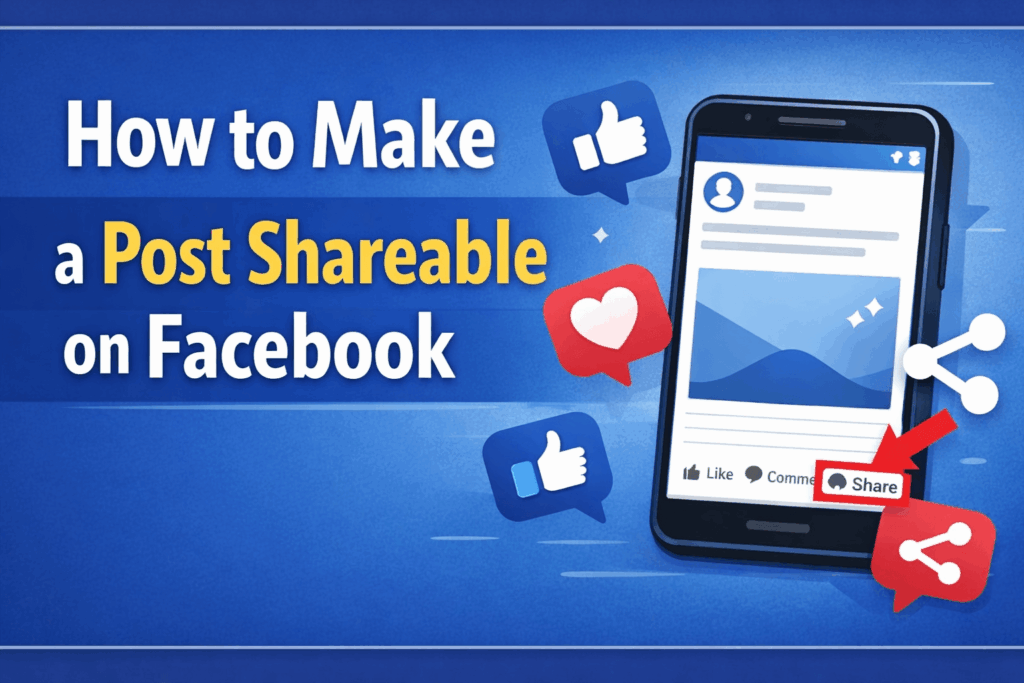
Facebook continues to operate as a major social media platform, which enables users to distribute content while reaching a broad spectrum of viewers. Your post shareability practice will yield considerable visibility benefits whether you create personal content or business advertisements or brand development materials.
People create content for sharing purposes without understanding how their material needs optimization to achieve better sharing outcomes. Your post requires correct setup to enable maximum distribution capabilities. The comprehensive guide will teach you how to create Facebook shareable posts while providing effective techniques to boost post sharing and user interaction.
What Does a Shareable Facebook Post Mean?
A shareable post is one that other users can easily repost to their own timeline, groups, or pages. Your post will reach an entirely different group of viewers when someone decides to share it with others.
This method enables Facebook users to expand their audience reach without incurring any expenses. A single post that gets shared multiple times can reach hundreds or even thousands of people beyond your immediate network.
Your content shareability depends on two factors: content visibility and content creation that people want to share with others.
Set Your Post Privacy to Public
Your privacy settings control which people can view your post after you share it on your platform.
Facebook enables you to determine the visibility settings of your post when you create new content. Your post sharing options become restricted when you choose to set your post visibility to Friends. You must select Public as your post setting to enable all people to share your content.
How to do it:
- Click on the privacy option before posting
- Select Public instead of Friends
The public state of your post enables all users to access its content regardless of their friendship status with you.
Use Facebook Pages for Better Reach
Facebook pages function more effectively than personal profiles when your objective is to connect with a wide range of users.
Facebook page posts achieve automatic public status because their design aims to enable post sharing. These tools provide users with analytical capabilities, content scheduling options, and advertising functionalities.
The page system exists because businesses and influencers and content creators use it to grow their audiences.
Create Content That People Want to Share
Public posts need to deliver valuable content before users will decide to share them. The main factor that determines a post’s shareability is its content.
People usually share content that is
- Entertaining or funny
- Informative or helpful
- Emotional or inspiring
- Relatable to their experiences
Test the following question: Will this content create excitement for others to share it with their social circle? The answer confirms that your content will generate sharing opportunities.
Use High-Quality Images and Videos
Facebook users will interact more with visual content than they do with text-only content.
Users find posts that include images or videos more engaging because these elements stand out during their scrolling process. The strong visual element has the power to immediately capture viewer attention while driving them to participate in your post content.
Tips for visuals:
- Use clear and high-resolution images.
- Add text overlays to highlight key messages.
- Keep videos short and engaging.
- Use bright and attractive colors.
Your content will receive more shares when it presents itself through visually appealing design elements.
Write Engaging and Clear Captions
The post-sharing process gets major support from captions, which help users discover your content. Strong captions deliver contextual information that brings emotional weight to your content or adds comedic elements to it.
The message should be communicated through straightforward text that maintains its clarity for readers to comprehend.
You can also ask questions or include relatable statements that make people want to interact.
Add a call to action (CTA).
Some people require a gentle nudge before they will proceed to complete their tasks. The presence of a call-to-action element helps to boost sharing rates.
Simple examples include:
- “Share this with your friends.”
- “Tag someone who needs to see this.”
- “Don’t forget to share.”
A clear CTA can make a big difference in how your post performs.
Post at the Right Time
The timing of your content affects which users will view and share your material.
Your post receives better chances of achieving engagement results when you share it during active user periods. The early engagement of your content on Facebook helps the platform recognize its worth, which leads to broader audience exposure.
Common best times:
- Evenings
- Weekends
- Lunch hours
Testing different posting times can help you find what works best for your audience.
Encourage Interaction and Engagement
The sharing potential of your post depends on the total amount of engagement it receives from viewers. The visibility of a post increases through the combined effect of likes and comments and reactions.
The process of replying to comments helps to create audience interaction, which leads to better engagement rates on your post.
The more people who discover your post through sharing, the simpler it will be for others to share it.
Share Posts in Groups
Facebook groups help your posts achieve greater visibility through their function as shareable content platforms. The group audience will share your content if it matches their interests.
Your post needs to meet both group requirements and group rules through its contribution of useful content to the community. The practice of spamming should be avoided because it will damage your reputation.
Groups serve to distribute your content to specific audience segments who meet your target criteria.
Avoid Common Mistakes
There are several mistakes that can prevent your post from being shared.
The public post setting needs to be activated, which becomes the main mistake people make. Post sharing requires others to see your content first before they can perform the sharing action.
People make a mistake when they post content that lacks value to their audience. Users will not engage with your post content which lacks value.
Overly promotional content without useful information can also reduce shares. People prefer content that feels natural and helpful.
Stay Consistent With Your Content
Facebook success stems from users who maintain a consistent pattern of content distribution. Your audience will become better acquainted with your content through your regular posting schedule.
People will share your content when they recognize your posts and find enjoyment in them.
You need to establish content patterns because they help you identify which type of material achieves maximum audience engagement.content,