



 OFFERS
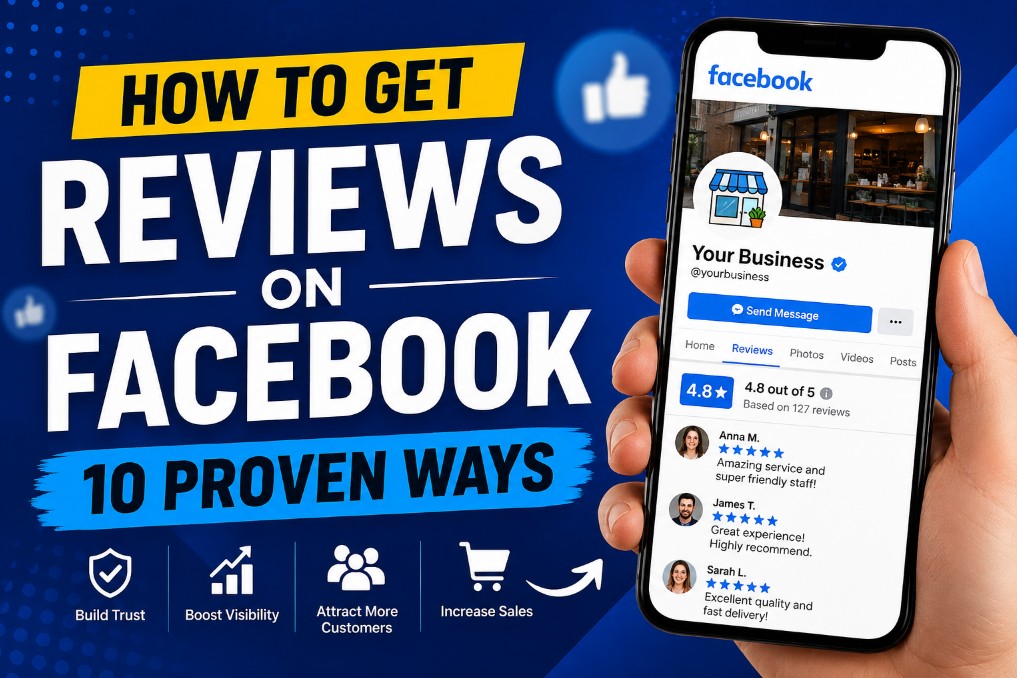
Facebook reviews are weirdly easy to ignore—until you realize you have none. Or worse, you have three old ones from 2018 and one of them is your aunt saying “Great family gathering!” when you run a plumbing business.
Reviews matter. Not just for your ego. They’re the digital version of word-of-mouth. And if your Facebook page looks like a ghost town in the review section, people will notice. They might not say anything, but they’ll think: Is this place even open?
So how do you actually get people to leave a review without feeling like you’re begging?
Here are 10 things that work. No gimmicks.
1. Just Ask at the Right Moment
This sounds too simple, right? But most business owners never ask at all. They just… hope. Hope is not a strategy.
The trick is timing. Ask when someone is happy. Not when they’re rushing out the door. Not two weeks later when they’ve already forgotten the experience.
If you run a coffee shop, ask while they’re sipping that perfectly made latte. If you’re a hairstylist, ask right after the reveal in the mirror—when they’re smiling and touching their hair.
Say something like: “Hey, I’m so glad you loved it. If you have a second, would you mind sharing that on our Facebook page? It really helps us out.”
That’s it. No pressure. No free gift card (yet). Just a human asking another human for a favor.
2. Make a “Leave a Review” Link That Actually Works
Here’s where most people mess up: they say “go leave us a review on Facebook” and expect customers to figure it out.
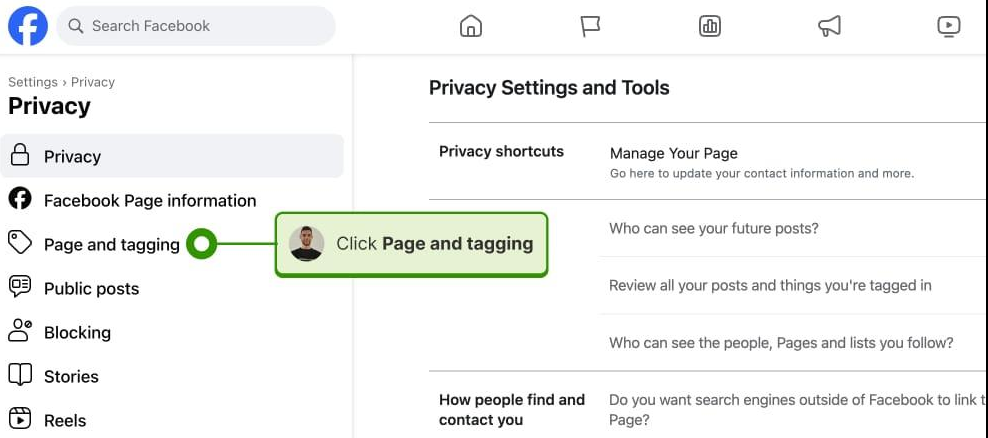
Have you ever tried to find the review section on a business’s Facebook page as a customer? It’s buried. You have to click around, scroll, squint. Most people will give up in fifteen seconds.
So do the work for them.
Create a direct link. Facebook has a specific URL format for leaving reviews. It looks something like: facebook.com/YourPageName/reviews/ but the cleanest way is to use a tool or just grab your page’s unique review link from the “Reviews” tab on desktop.
Then put that link everywhere:
- In your email signature
- In a “thank you” text after a purchase
- On a QR code at your counter
- In your Instagram bio
When you remove friction, more people actually do it.
3. Respond to Every Single Review You Already Have
This one is sneaky. It doesn’t directly get you new reviews—but it sets the stage.
When potential customers see that you reply to reviews (both good and bad), they get the sense that you’re paying attention. And happy customers who see you responded to someone else? They’re more likely to leave their own review because they know you’ll actually see it.
So go back through your old reviews. Thank the 5-star people. Address the 3-star ones with genuine curiosity (“Thanks for the feedback—we’re working on this”).
It takes ten minutes. And it changes the vibe of your page completely.
4. Send a Follow-Up Email or Text (But Keep It Causal)
Automation is great, but robotic messages are not.
If you have a customer’s email or number (with permission), send a follow-up a day or two after their purchase or service. But write it like a normal person.
Bad example: “We value your feedback. Please click here to leave a Facebook review to help us improve our customer experience metrics.”
Better example: “Hey, it’s Jamie from The Cozy Pet. Hope your pup is loving the new bed. If you have a sec, we’d be so grateful for a quick Facebook review. Here’s the link. No pressure at all, just helps other pet owners find us.”
See the difference? One sounds like a corporation. One sounds like a neighbor.

5. Train Your Front-Line Staff to Mention It Naturally
If you’re a solo business owner, you do this yourself. But if you have employees, they need to be part of the plan.
The secret is to make it part of the checkout or closing spiel. Not a script—a natural line.
For example, a server in a restaurant might say after dropping the check: “Thanks so much for coming in. If you enjoyed everything, we’d love if you’d leave us a review on Facebook. It really makes our day.”
Notice they didn’t say “five stars.” They didn’t beg. They just made it about appreciation.
When your staff feels like they’re asking for a gift rather than a favor, it lands differently.
6. Run a “Review of the Month” (No Bribing)
Let me be clear: never pay for reviews. Facebook can remove them, and it feels icky. But you can celebrate the reviews you get.
Pick one review each month—not necessarily the longest or most glowing, but one that’s genuine—and share it. Post a screenshot on your Facebook page (hide the last name if you want) and say something like:
“Review of the month goes to Sarah for this one. ‘Best tire rotation I’ve ever had.’ That’s the kind of review that makes us laugh and love our jobs. Thank you.”
Why does this work? Two reasons. One, it encourages people who have already reviewed you. Two, it reminds everyone else that you actually read and appreciate reviews. It’s a quiet nudge.
7. Add a QR Code to Your Receipts or Packaging
People love scanning QR codes. It’s the laziest form of action, and I mean that as a compliment.
Create a QR code that goes straight to your Facebook review link. Print it on:
- Paper receipts
- Thank-you cards tucked into bags
- Stickers on product packaging
- A small sign on your counter
No explanation needed—just the code and a tiny line that says “Love us? Leave a review.”
You’d be surprised how many people scan it while waiting for their takeout or sitting on the couch after opening a package.
8. Share Someone Else’s Review as a Post
This is a low-key genius move.
Find a recent nice review you got. Screenshot it (again, hide the last name or initial if you want). Post it on your Facebook timeline with a caption like:
“Had to share this. Thanks, Mark—this made our whole week. We try hard to be the kind of shop where you actually look forward to coming in. Seeing this reminds us why we love what we do.”
Now here’s the sneaky part: people who see that post will think, Oh, I should leave them a review too. But they won’t feel manipulated because you weren’t asking—you were just celebrating.
It’s the difference between a direct ask and social proof doing its job.
9. Make It Part of Your “We Did the Thing” Announcement
If you finish a big project, hit a milestone, or help a customer with something remarkable, post about it.
Then, at the bottom of that post, add a simple line: “If you’ve worked with us and loved the experience, we’d be honored if you’d leave us a review on our page.”
For example: “Just finished painting Mrs. Davis’s kitchen cabinets—what a transformation. If we’ve ever done work for you, we’d love to hear about it in a Facebook review.”
This works because you’re not asking out of nowhere. You’re showing proof of your work first, then inviting feedback. It feels earned.
10. Don’t Obsess Over the Stars—Care About the Story
Here’s a truth that’s hard to swallow: a page full of “great service, thanks!” reviews is fine. But a page with a mix of 4 and 5 stars and the occasional thoughtful paragraph? That’s gold.
Because when someone is deciding between you and a competitor, they don’t just count stars. They read the stories. Did someone mention a specific employee? Did they talk about how you handled a problem? Did they say “I’ll be back”?
Those are the reviews that actually bring in new customers.
So when you ask for a review, don’t say “please leave five stars.” Say “tell others what you’d want to know if you were looking for a place like ours.”
That small shift changes everything.
One Last Thing (Because You Made It This Far)
Getting Facebook reviews feels awkward at first. You worry you’re annoying people. You worry it looks desperate.
But here’s the truth: most happy customers would leave a review if you just reminded them. Not because they owe you, but because people like helping small businesses they love.
You’re not begging. You’re giving them a way to say “I like this place.”
So pick two things from this list. Try them this week. See what happens.
And hey—if this blog post was helpful? Totally don’t have to, but a comment or share would be pretty cool. (See what I did there?)
Now go get those reviews.