

 OFFERS
The music streaming market has only one dominant service, which operates as Spotify. The platform provides more than 100 million tracks for its 600 million active users to experience music discovery and create customized playlists. All subscribers face offline restrictions, which constitute the one recurring issue that affects both Free and Premium users.
Premium subscribers have the ability to download playlists, but they can only listen to the downloaded content through the Spotify application. Users cannot transfer the content to MP3 devices or video editing applications, and they will lose access to it after they terminate their subscription.
Reliable Spotify playlist downloaders are essential for users. The year 2026 has introduced new tools and updated legal frameworks. This guide will teach you how to download Spotify playlists through secure and effective methods that produce high-quality results.
Why Do You Need a Spotify Playlist Downloader?
Before we dive into the “how,” let’s look at the “why.” Spotify Premium accounts do not provide users with unlimited access to all features.
- Device Restrictions: You can only store your downloaded music on five devices, while you must log in for app usage every 30 days to maintain your current subscription.
- Format Lock In: Spotify protects its OGG Vorbis (or AAC) format through DRM (Digital Rights Management) restrictions. The DJ software and traditional MP3 players and car USB ports do not support playing downloaded files.
- Permanent Ownership: Your 10,000 downloaded songs will become inaccessible to you after your Premium subscription ends. The Spotify playlist downloader lets you make permanent music collections of your most loved tracks.
Method 1: Using Third-Party Converters (The 2026 Standard)
The tools function as a connection between two systems. The tools operate through the Spotify API to access your playlist structure and then save audio content through streaming or file decryption into universal formats like MP3 or FLAC or AAC.
In 2026 you should consider the following features when selecting a Spotify playlist downloader.
Lossless Quality: The best tools now support downloading in FLAC (16-bit or 24-bit) to match Spotify’s HiFi tier quality.
ID3 Tags: The software must retain all artist information, including album cover and track numbers and music categories, to maintain order in your personal music collection.
Speed: Modern downloaders use batch processing. A good tool can download a playlist of 500 songs in under 10 minutes.
Step by Step Guide
Here is the general workflow for using a reliable Spotify playlist downloader:
- Copy the playlist Link: You need to open Spotify to locate the desired playlist before clicking on the three dot to choose Share > Copy Link to Playlist
- Paste into the Converter: You need to open your chosen downloading software. Paste the link into the search bar. The software will load the entire tracklist.
- Select Format: Your output format needs to be selected. Most users will find that MP3 320 kbps provides the best balance between audio quality and file size. For audiophiles, FLAC is the way to go.
- Download: Press the download button. The software will process the tracks and embed album artwork before saving the files in the designated folder.
Method 2: The Audacity Method (Free, but Slow)
You can use a digital audio workstation like Audacity if you want to avoid using third-party software. The method allows you to record audio straight from your computer’s audio processing unit.
Pros: It’s completely free and always works regardless of Spotify updates.
Cons: It is real-time. If a playlist is 5 hours long, it takes 5 hours to record. You also have to manually split the tracks and add metadata.
The method works best for capturing one rare song, but dedicated software should be used when downloading multiple files at once.
Is It Legal?
This is the gray area. The service terms of Spotify prohibit users from both “ripping” content and bypassing DRM controls. The Spotify Playlist Downloader violates Spotify’s regulations when it strips DRM from music that you do not possess.
Users who own physical copies of music or pay for access can make personal backups according to most legal systems, which classify their actions as “time-shifting” or “format-shifting.”
Important: You should never use these tools to distribute music. People who download playlists for public performances (such as weddings) or YouTube uploads need to obtain rights from both artists and record labels.
The Best Spotify Playlist Downloaders for 2026
The market has reached an advanced stage of development. The top contenders for 2026 include:
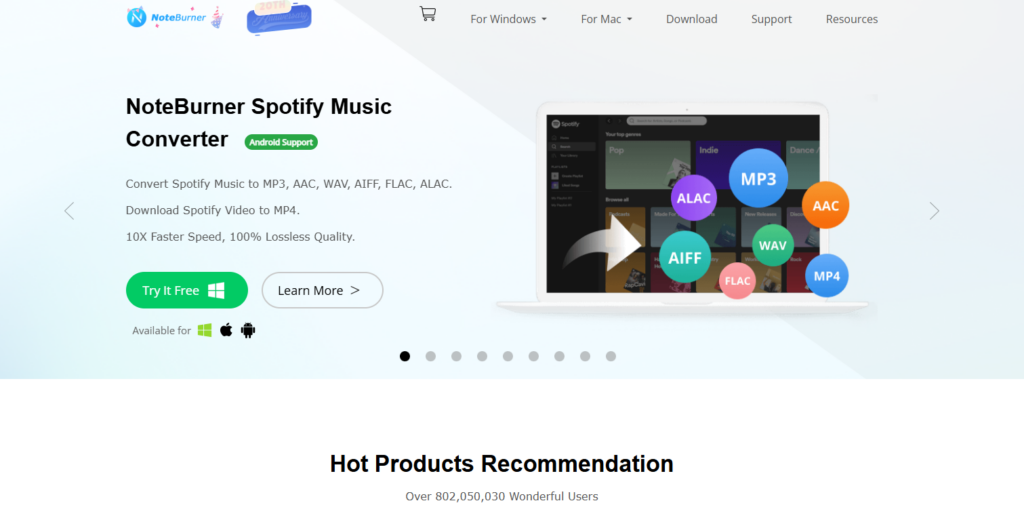
NoteBurner: A long-standing industry leader who delivers complete original sound quality and provides conversion speeds that reach 10 times faster than actual playback speed.
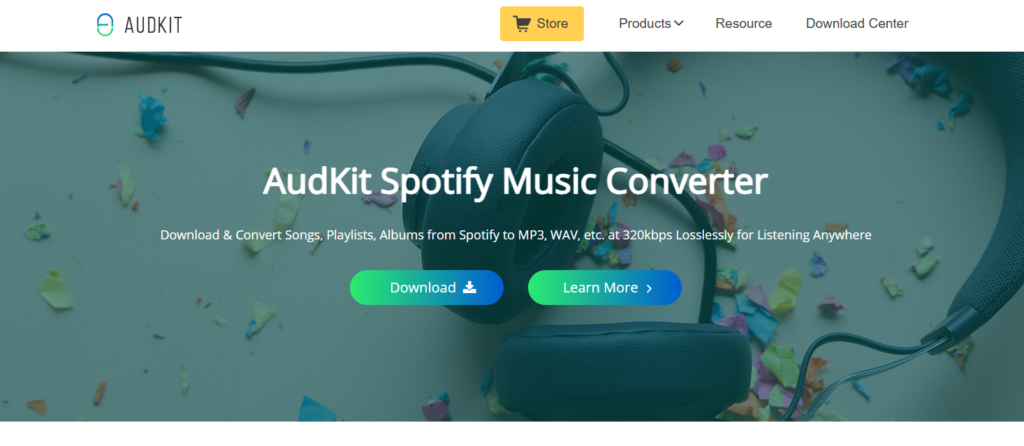
AudKit: The system provides users with an easy-to-use interface while maintaining all ID3 tags, which helps to keep their iTunes and Plex libraries organized.
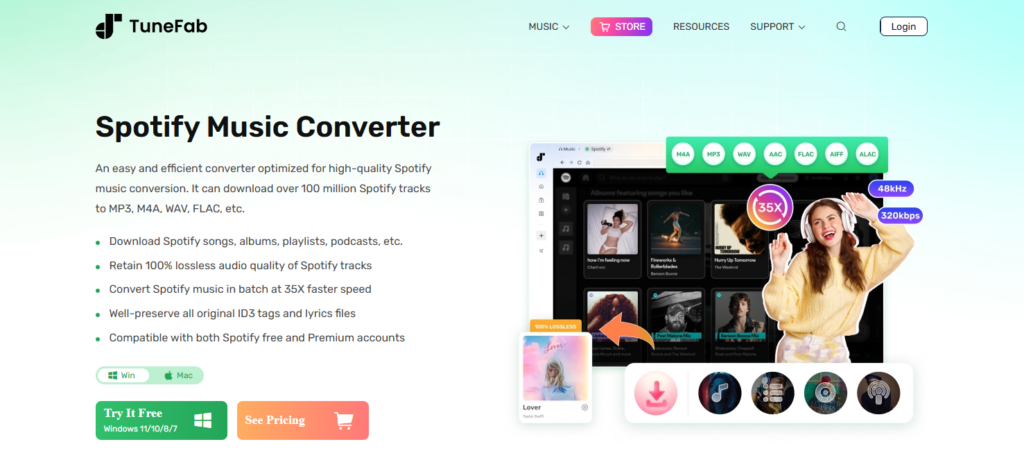
TuneFab: Users can test the service through a free trial, which allows them to download selected songs without charge to assess the audio quality before purchasing.
Conclusion: Taking Control of Your Music Library
If you depend only on streaming services, you will lose access to your music. If a label pulls an album, or if you decide to switch to Apple Music or Tidal, your curated playlist disappears.
You regain your music rights through using a Spotify playlist downloader. You can create a permanent archive on an external hard drive, listen on devices that don’t support Spotify, and enjoy your favorite tracks in pristine quality forever.
Downloading Spotify playlists has become easier to do in 2026 through both high-speed converters and free recording methods.