

 OFFERS

The ability to identify your channel subscribers enables you to identify your audience members while tracking your channel’s development.
YouTube Studio provides tools that enable you to check your current subscriber count and see your most recent subscribers. The guide will demonstrate to you the procedures for checking your subscribers through desktop and mobile devices.
The Reasons Why You Should Track Your Subscribers
Tracking your subscribers helps you understand how your channel is performing. Your most loyal audience consists of subscribers who want to see more of your content.
You can monitor your subscribers to achieve the following objectives:
- Monitor your channel growth.
- New subscribers are attracted to your content through particular video content.
- Your most loyal fans are the ones who support you throughout your career.
- Your content strategy will improve through this process.
The subscriber list presents creators with a powerful source of motivation to achieve their goals.
How to View Your YouTube Subscribers via Desktop
YouTube Studio provides the simplest method for users to check their subscriber count through their desktop computer.
Follow these steps:
- Go to YouTube.com and sign into your account.
- Locate your profile image, which exists in the upper right section of the screen.
- Choose YouTube Studio from the available selection.
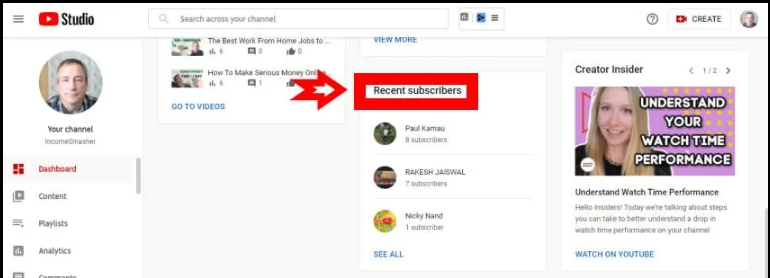
- The Recent Subscribers section exists on the dashboard.
YouTube displays the names of people who recently subscribed to your channel at this location.
You can expand your view of subscribers by selecting the option “See All.”
Why You Can’t See All Subscribers
Many creators wonder why they can’t see every person who subscribes to their channel.
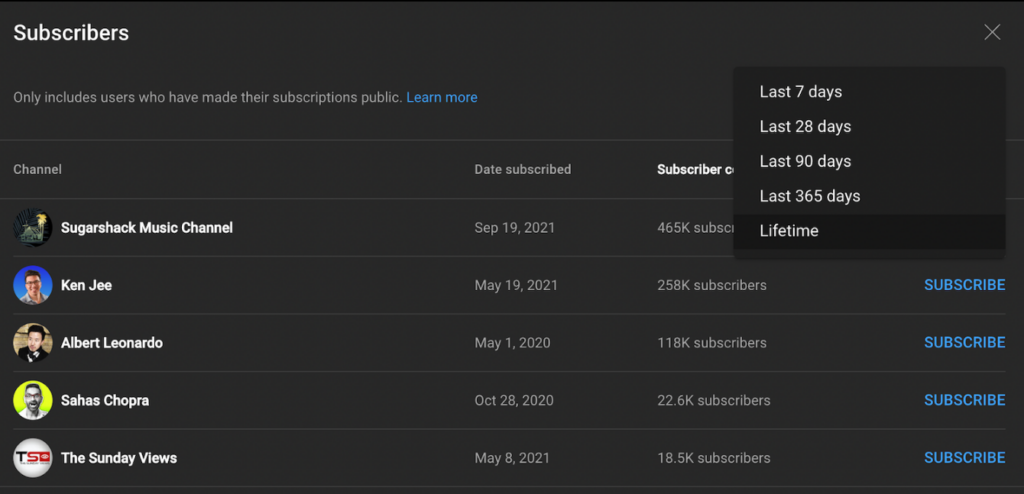
YouTube displays only those subscribers who choose to make their subscriptions visible to the public. The platform does not include users who select private subscription settings in your list of subscribers.
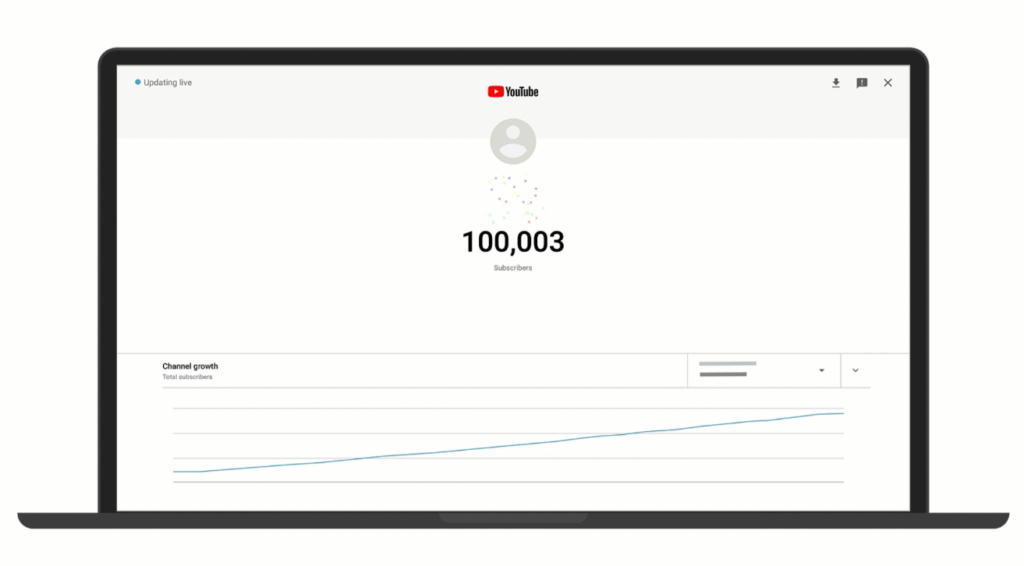
You can only view a fraction of your actual subscribers because your channel has multiple thousand members.
How to Check Your Subscriber Count
Tracking your channel subscriber count becomes easy when you want to check your current total.
The location of your subscriber count can be found through these three channels.
Your YouTube channel page displays your subscriber count to viewers.
Your subscriber count can be found on:
- The YouTube Studio dashboard
- The Analytics section of YouTube Studio
The analytics page shows subscriber data, which includes information about how subscribers increased during specific periods.
How to See Subscribers on Mobile
The YouTube Studio mobile application allows smartphone users to see their subscriber count.
Steps:
- Get the YouTube Studio app from either the App Store or Google Play.
- Log in with your YouTube account.
- Open the dashboard.
- Find the Recent Subscribers section by scrolling to who are displayed.
You can use this feature to view your newest subscribers while you are away from your main work area.
How to Get More Subscribers on YouTube
The process of subscriber verification offers value, but the task of expanding your subscriber count serves as a greater objective.
To increase your subscriber count, follow these guidelines:
- Post videos consistently.
- Create engaging thumbnails and titles.
- Ask viewers to subscribe in your videos.
- Upload high-quality content.
- Engage with comments and your audience.
Viewers who create strong bonds with their channels experience faster growth.
Tips for Engaging With Your Subscribers
Subscribers represent your most important viewers. Your new uploads will attract their interest while they engage with your content.
To keep them engaged:
- Respond to comments on your videos.
- Create community posts.
- Ask viewers for video ideas.
- Host live streams to interact with your audience.
When viewers establish a stronger connection with your channel, they demonstrate greater commitment to remaining subscribed.
Final Thoughts
YouTube Studio provides an easy process for users to check their subscriber count on YouTube. The platform shows audience data, which remains helpful despite your inability to view subscribers who maintain private subscription settings.
Your understanding of audience preferences will improve through this subscriber list review process combined with your channel analytics review process.
Your subscriber count on YouTube will increase as your content quality improves and your audience size expands.