
 OFFERS
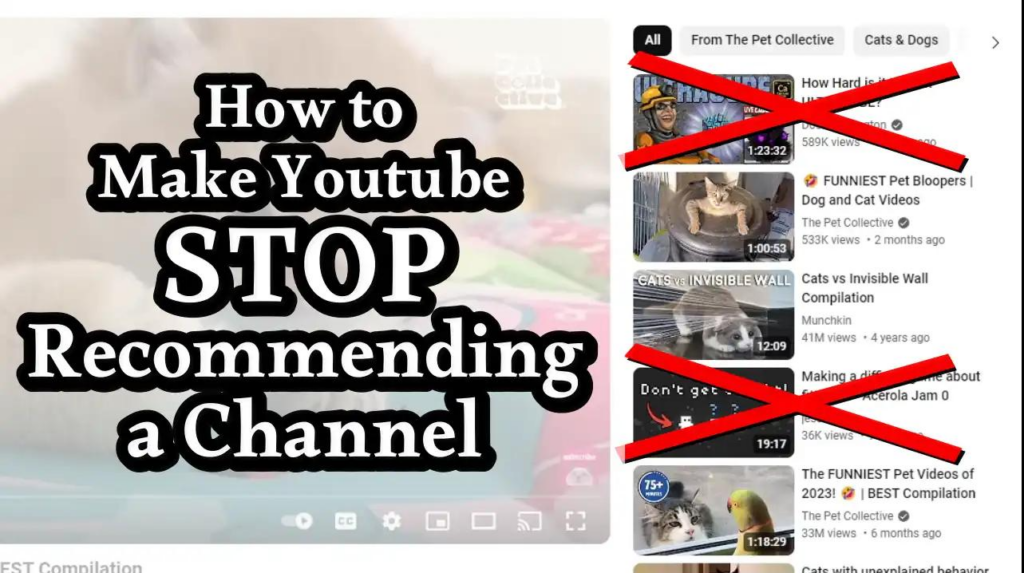
Blocking unwanted YouTube channels can help you clean up your feed and avoid distracting content. It can also protect yourself and others from inappropriate videos. Whether you’re using a phone, tablet or computer, the process is simple once you know where to look.
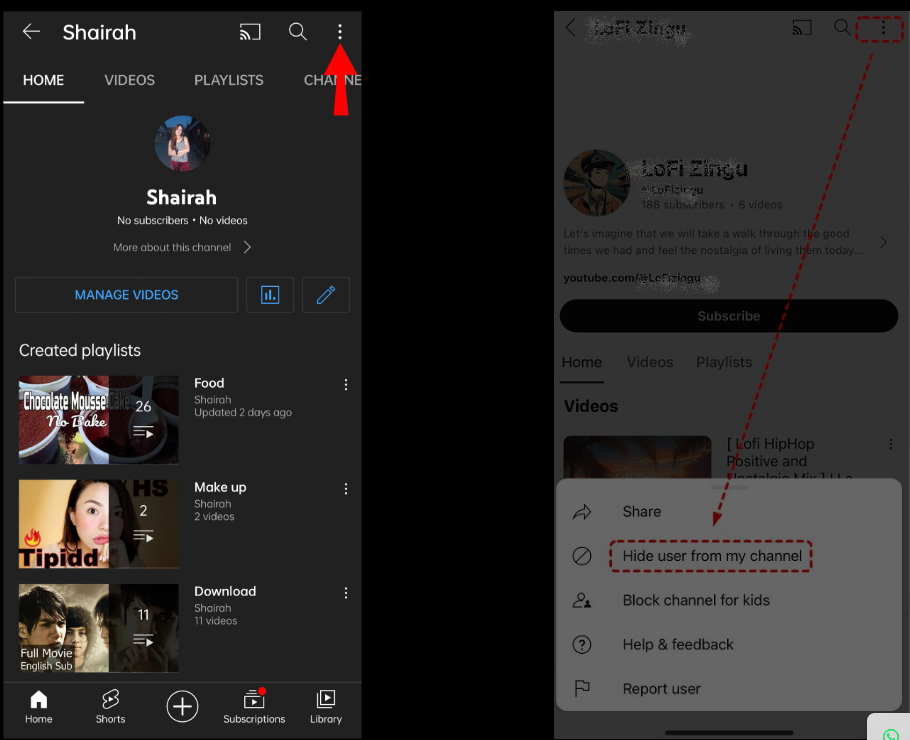
Method 1: Block a YouTube Channel on Mobile (Android & iPhone)
- Open YouTube app on your device
- Search for or open the channel you want to block
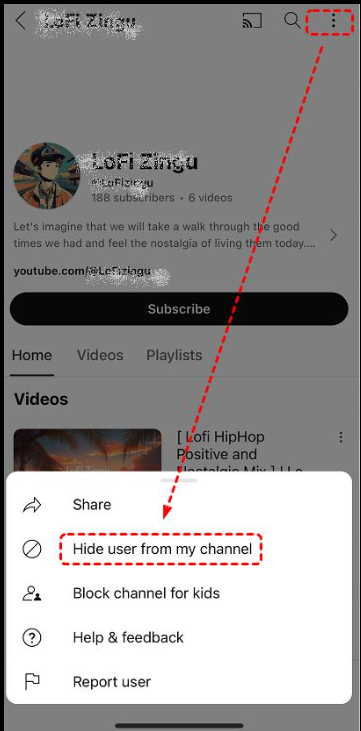
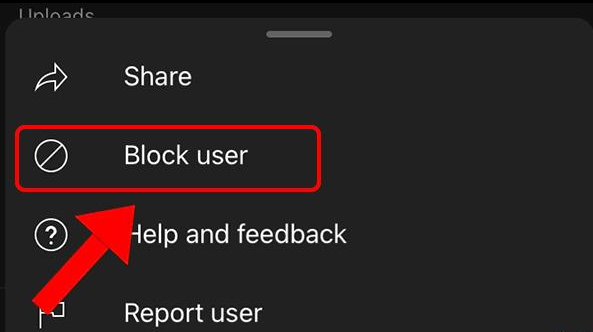
- Tap the three-dot menu (⋮) in the top-right corner
- Select Block user
- Confirm your choice
Once blocked that channel won’t be able to comment on your videos.
Method 2: Block a YouTube Channel on Desktop/Laptop (Web version)
Go to YouTube in your browser & Visit the channel you want to block
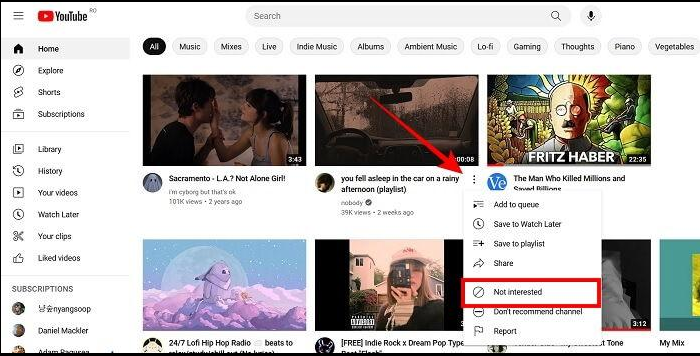
Click on the ‘About‘ tab
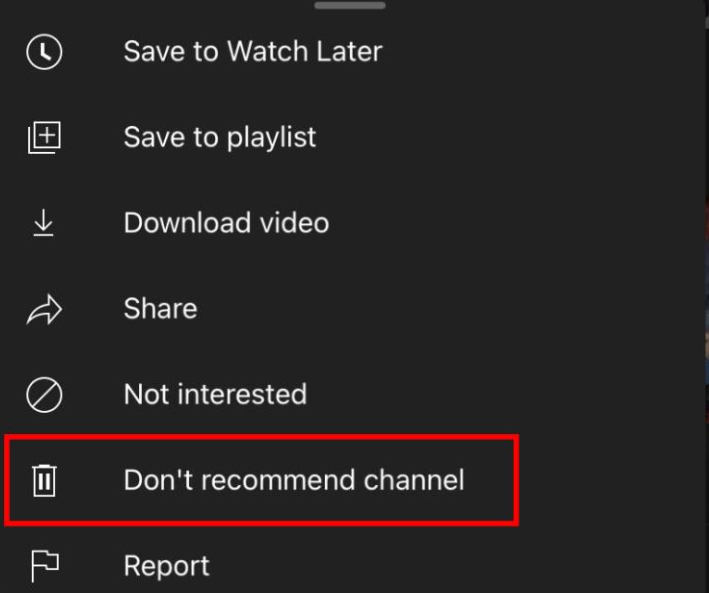
Click the flag icon
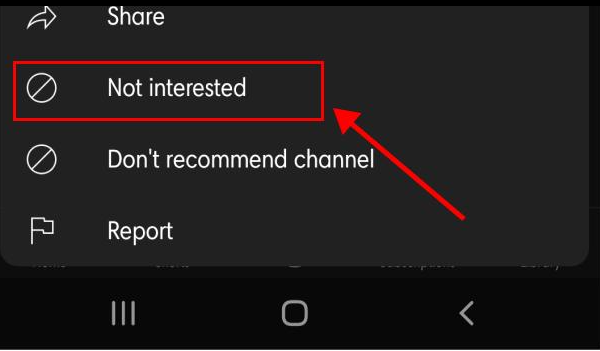
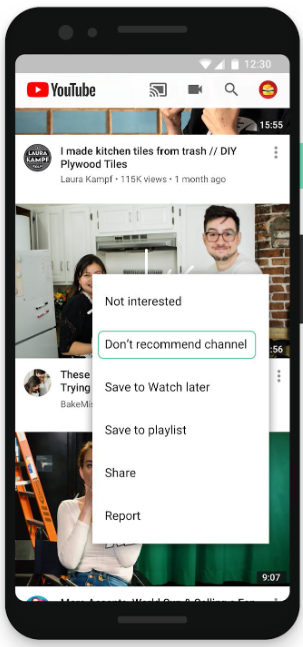
Tap ‘Block user‘ and confirm
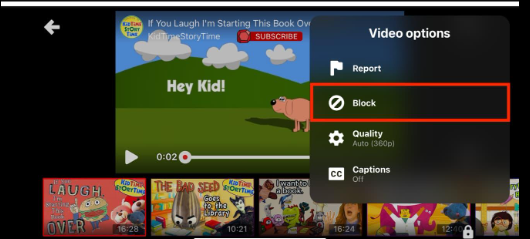
Bonus: Block Channels for Kids (YouTube Kids)
If you are using YouTube Kids:
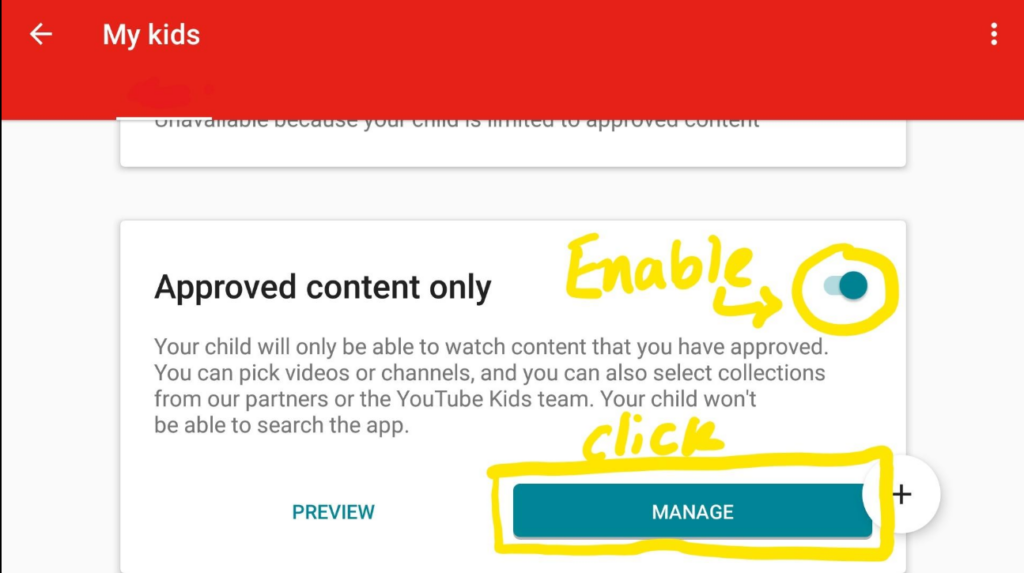
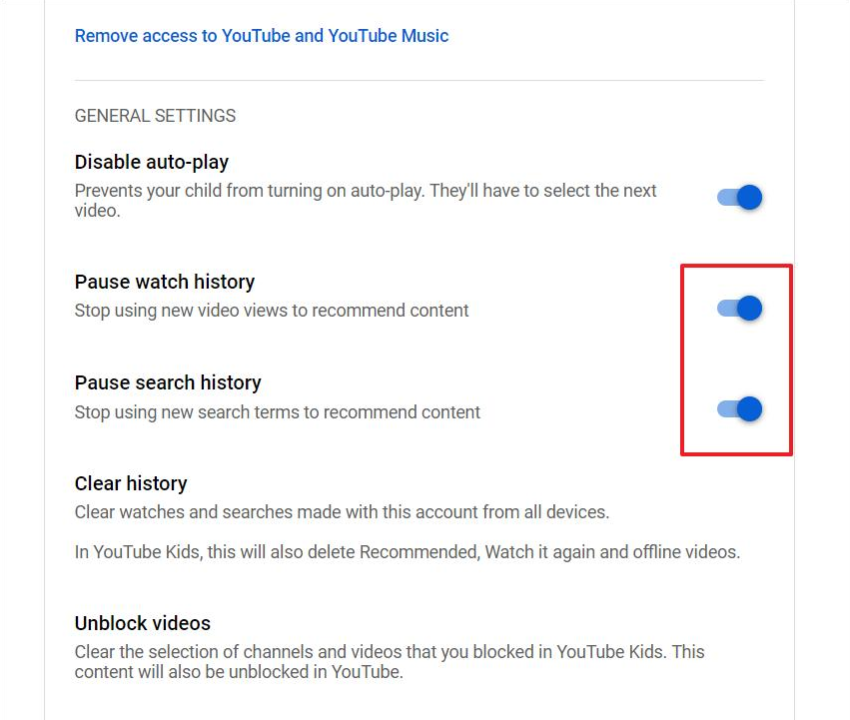
Open the app and go to Settings Menu
Enter your parent password
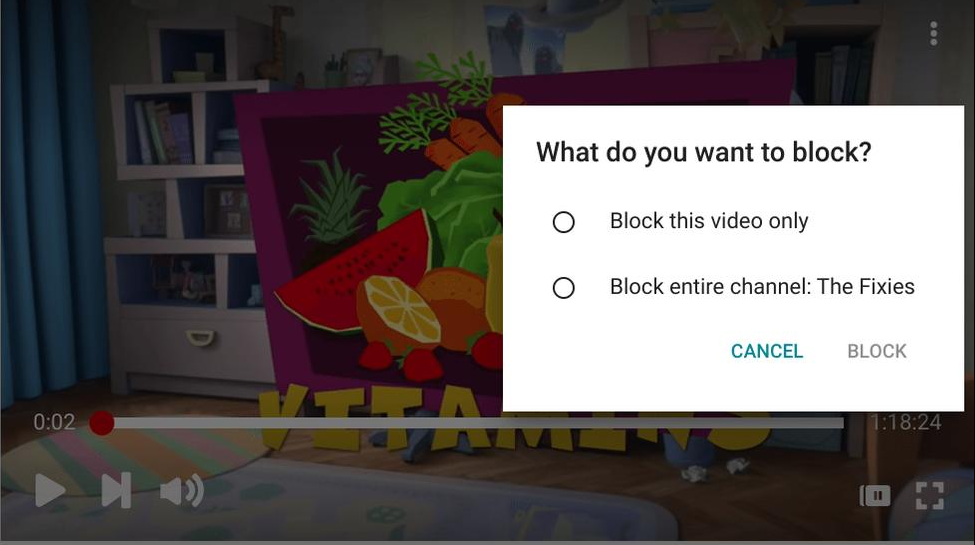
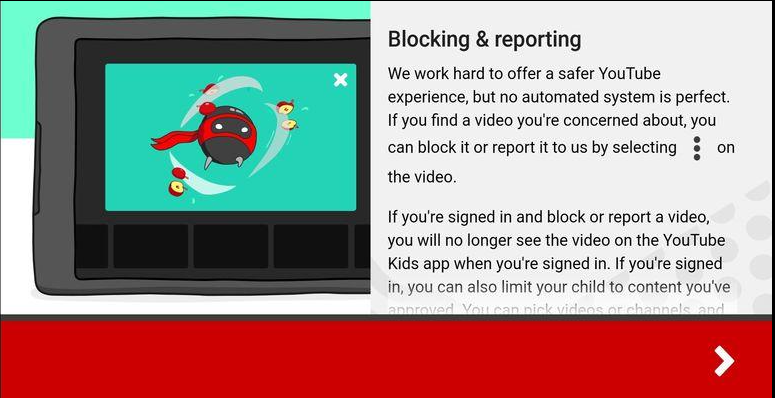
Select the video or channel
Click Block Button
NB : That way children could be protected from unwanted content.
The process of blocking YouTube channels gives users a straightforward yet effective method to manage their online activities. The methods which you have available to you enable you to decrease interruptions and block harmful material while you build your personalized content feed.

